Habits
What you want to do regularly.
 daily ink.
Habits · Journal · Inky
Turn your intentions into habits and your days into your own story.
Every day
Record what you’ve done and what you want to remember. Over time, revisit your habits, journal entries and progress in one place.
What you want to do regularly.
Your days, in your words.
A helping hand with Premium.
Your notes and missions, your way.
Your preferences and data.
My space is optional. Open Tracking and Ink from the Habits progress counter.
Habits
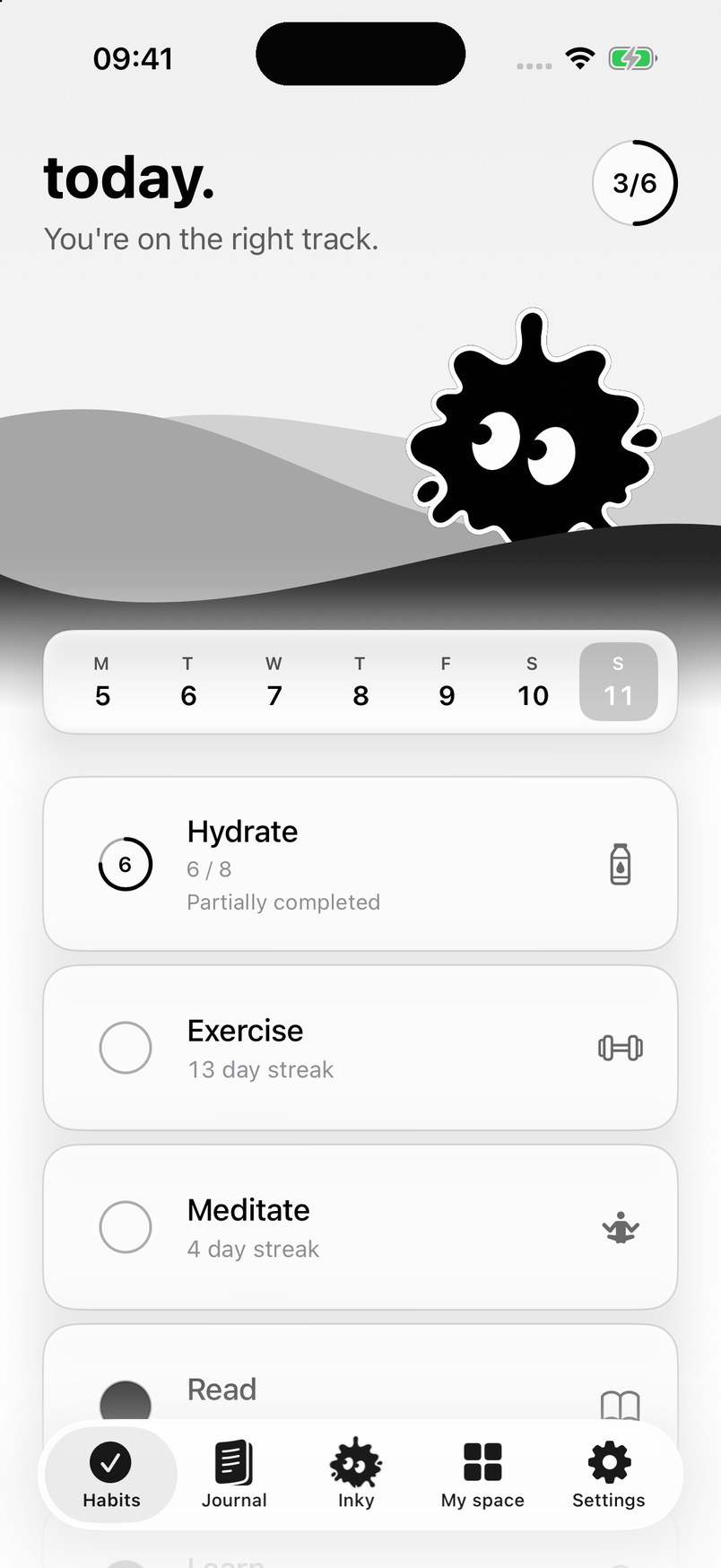
Read for ten minutes, go for a walk, drink water… Choose your habits and the days you want to do them. Check off what you’ve done, use a counter or choose a lighter version you’ve configured. You can pause a habit and pick it up again later.
Save your sessions and revisit their durations and totals in history and Tracking.
Apple Watch · Included for free
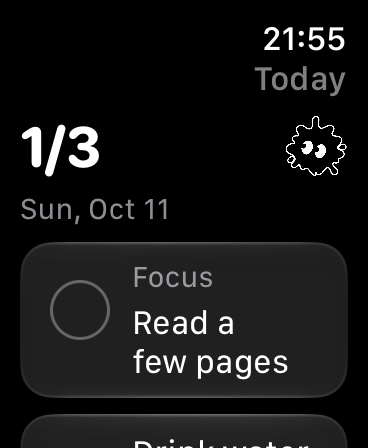
Find today’s habits on your paired watch. Check off an action, adjust a counter or choose a lighter version configured on iPhone. Your actions sync when your devices reconnect.
Journal
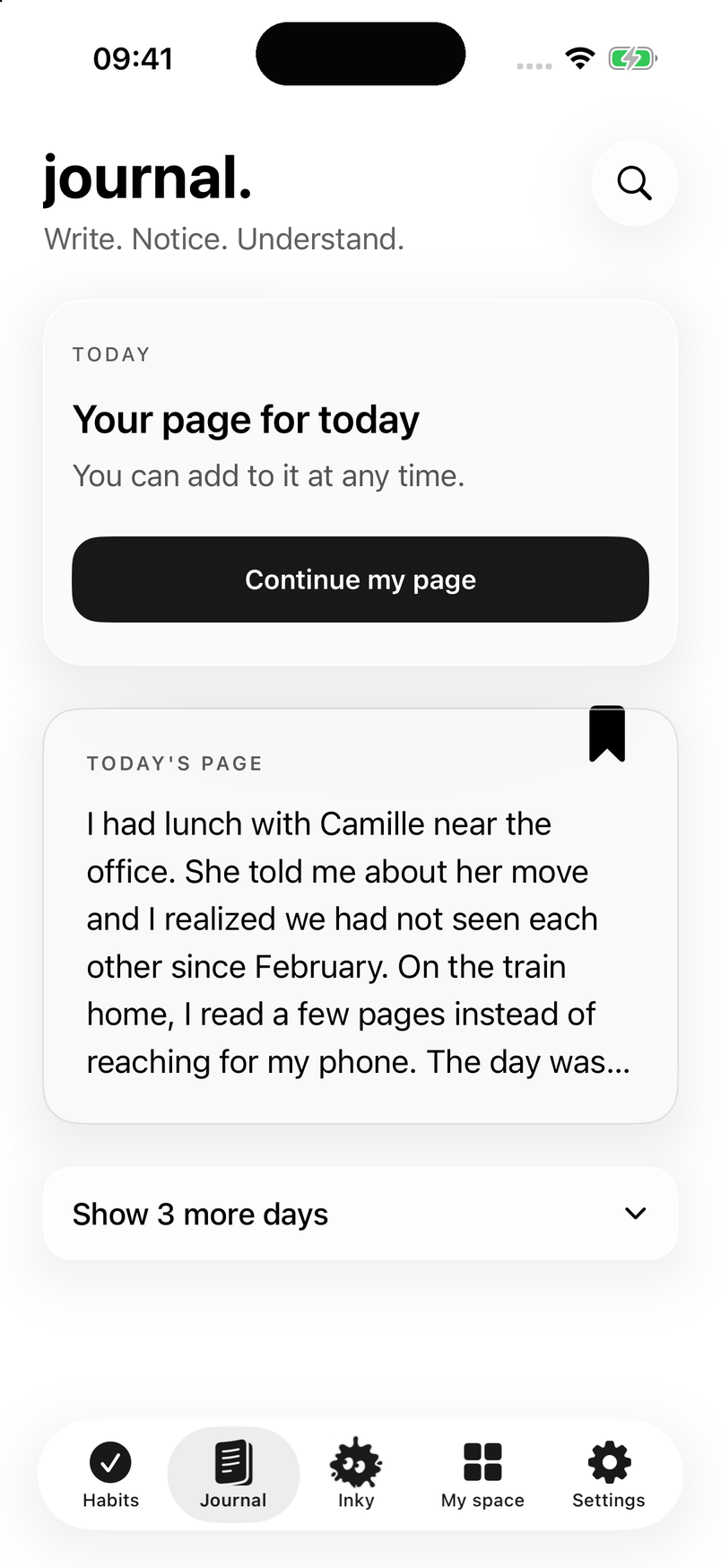
Capture a moment, note a thought or start with a question. Write, dictate with live transcription or scan a notebook page. Everything stays in the same draft until you choose Save. Your entries come together in a book, day by day.
“The day was busy,
but not scattered.”Today’s page
Inky · Included with Premium
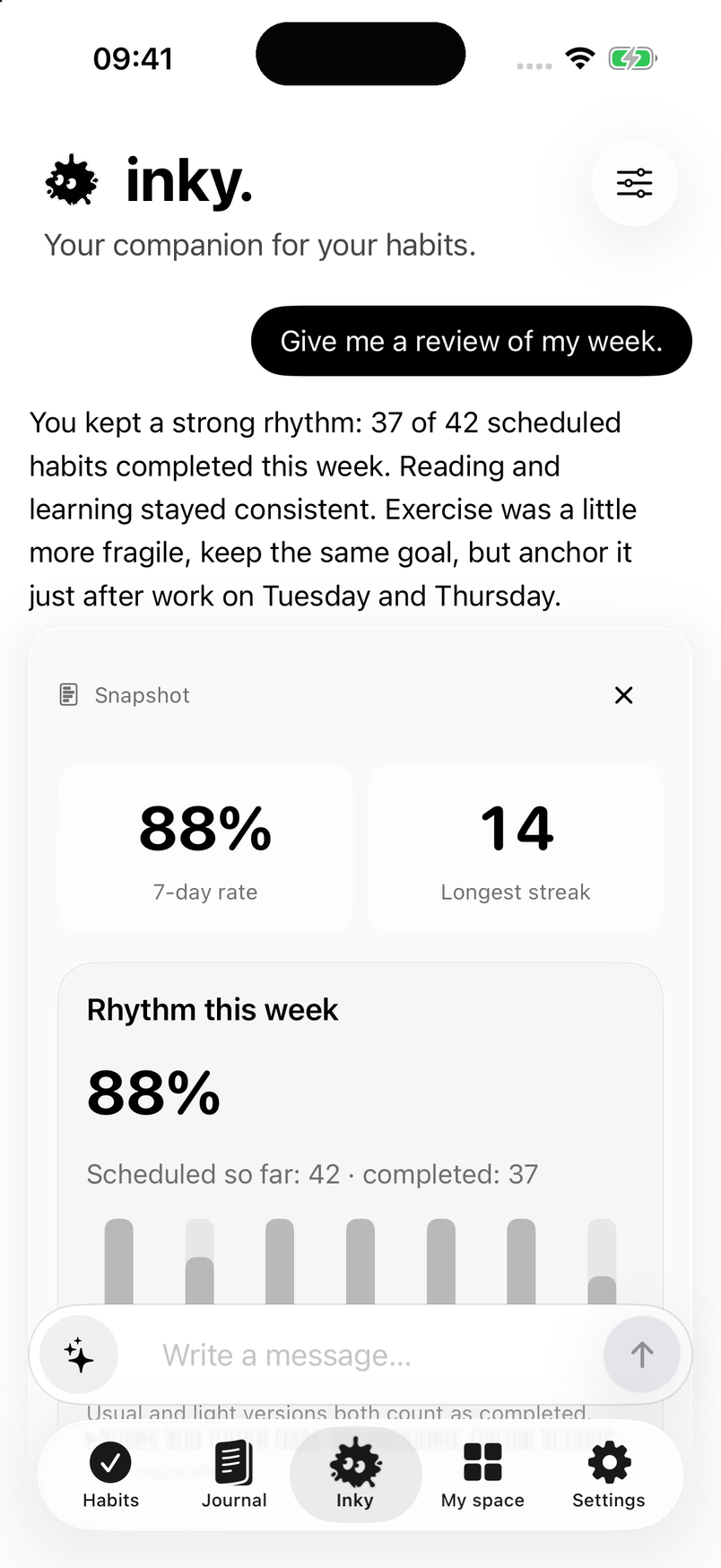
Inky is Daily Ink’s AI assistant. Talk about your goals, ask for a review or build a habit program. It draws on context from your last thirty days. You confirm changes before they’re applied.
Inky runs online using Luna 6. With your permission, context from your habits and journal is sent through the Daily Ink server to OpenRouter and OpenAI. Inky does not provide medical advice or diagnosis.
Tracking & Ink
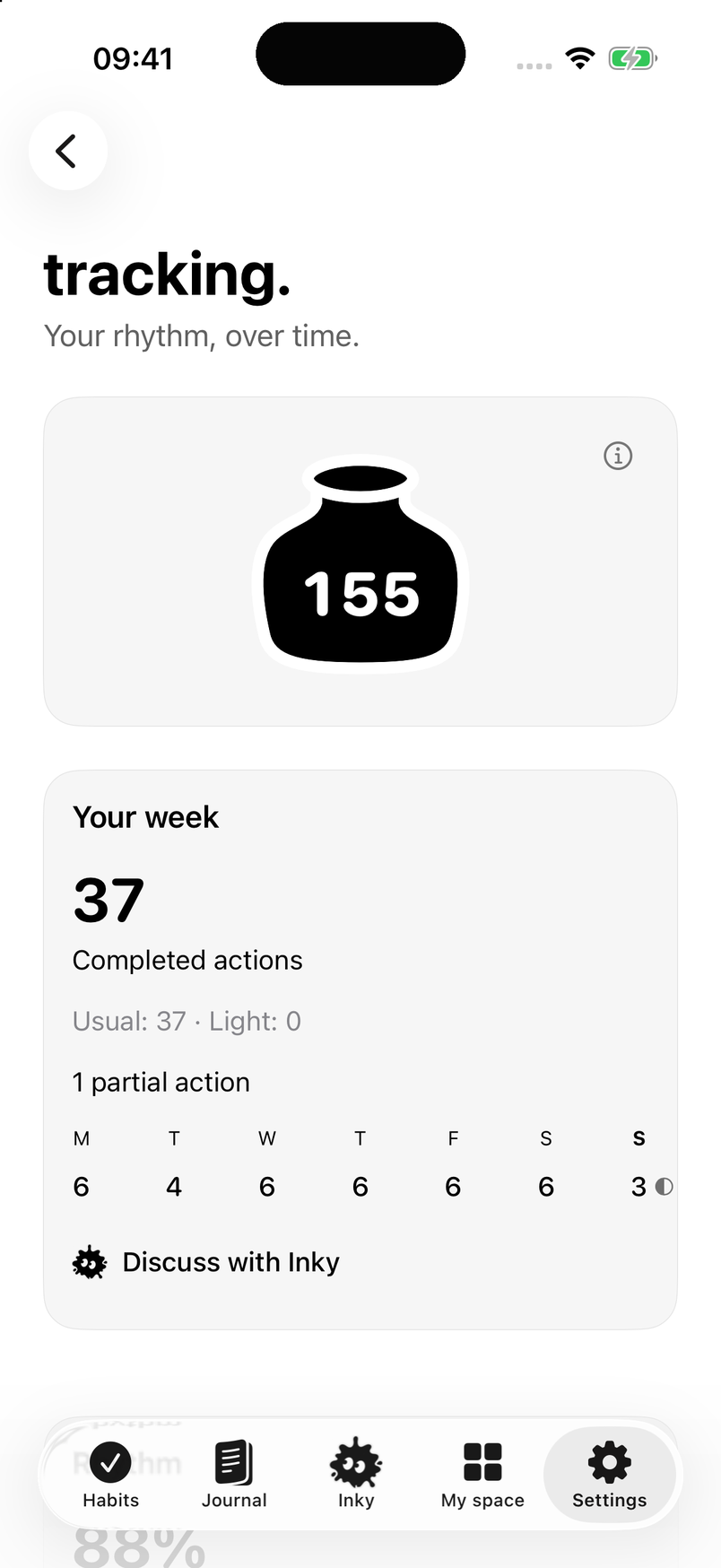
In Daily Ink, your habits add to a running total called Ink. First steps and lighter versions count too. Taking a break doesn’t remove the Ink you’ve already collected.
Make it yours
Keep notes and missions together. Add the Inkwell, statistics or Inky, reorder your blocks or hide the tab without losing its contents. Free.
Choose which pages display your cover. Horizon is free. Premium adds Monochrome covers, the Color collection and animated Living scenes.
Explore the gallery and installation guide. The read-only Today widget is free; interactions and the Inky shortcut require Premium.
Your data
Your habits and journal are saved on your iPhone. You can use them offline without an account. If you enable Inky, some of this data is sent online to answer your requests.
Frequently asked questions
No. You can track habits and keep a journal without a Daily Ink account. Inky requires Premium and your permission to send some data online.
You write your own entries. On a compatible iPhone, you can ask for wording help from Apple Intelligence. Review its suggestion, then accept it or keep your original text. No entry is created automatically.
You can create up to three active habits and use counters, lighter versions, reminders and practice tools. Unlimited journaling, compatible dictation, local scans, mood, Ink, weekly summaries, essential Reflections, My space, export and the Watch companion are free. Premium adds unlimited habits, Inky and its programs, scan correction, detailed statistics, advanced Reflections, full-history search, interactive widgets and Premium covers, including Living.
The initial scan is free and recognizes text on your iPhone. With Premium, Correct with Inky can send only the selected images and their transcription, with permission separate from chat. Review the suggestion and choose to apply it or keep the original before saving.
Yes. You can track habits, write, record your mood, view your Ink and export your data. Inky runs online and doesn’t require Apple Intelligence. Only on-device wording assistance needs it, on a compatible iPhone.
Daily Ink runs on iPhone with iOS 26 or later. The free companion requires a paired Apple Watch with watchOS 26 or later. Journaling and Inky conversations stay on iPhone.
Daily Ink for iPhone and Apple Watch
Start free with three habits, your journal and the Watch companion.
Download on the App Store